The Best Free Alternatives to Adobe Premiere Pro
This is the category where free software stopped being the compromise. One of these options is used to finish feature films, and it costs nothing.
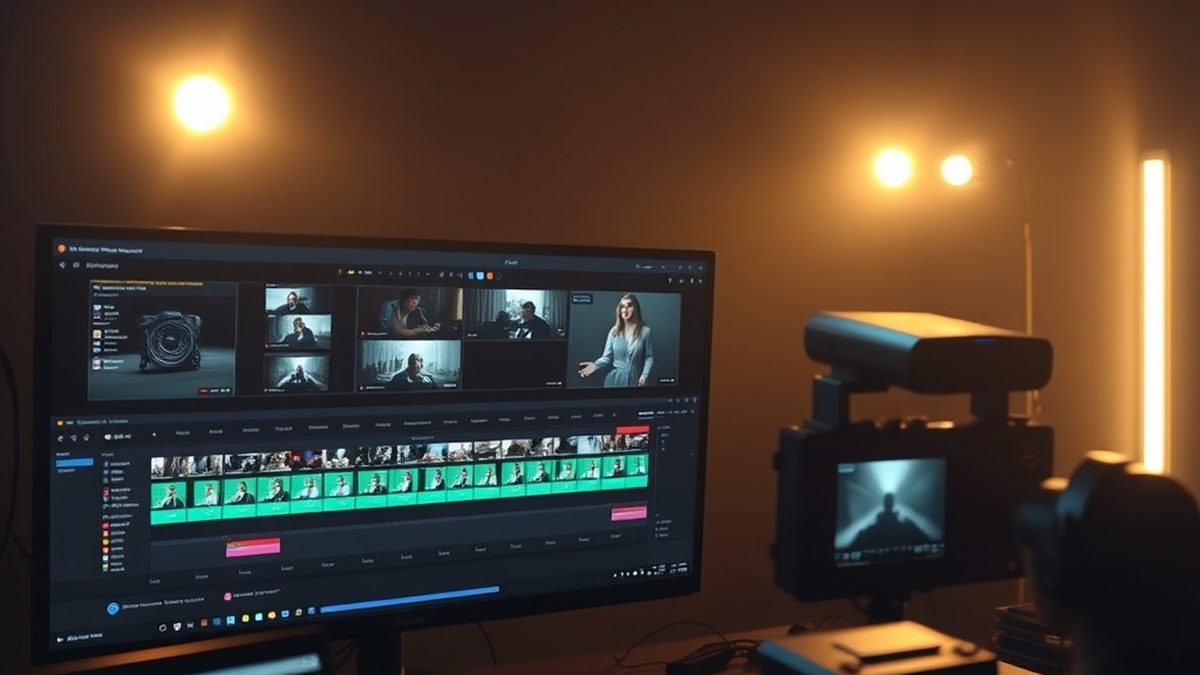
Illustration generated by Nexulab
- DaVinci Resolve's free version is a complete professional editor, not a trial, and it is used on commercial productions.
- Resolve is demanding on hardware. On an older or lower-powered machine, Kdenlive or Shotcut will be the better experience.
- For long documentary-style projects with many clips, Kdenlive handles the organisation well and stays stable.
- Project files do not transfer between editors. Choose before you start something long, not halfway through.
- What you genuinely lose is Creative Cloud integration and some team review workflows, not editing capability.
The free alternatives to Adobe Premiere Pro are the clearest case of free software having caught up, and it is worth saying plainly before the comparisons start.
One of the options below is used to edit and finish commercially released films. Not as a budget substitute — as the tool of choice. It costs nothing, and it is a larger download than the paid alternative because it includes more.
So the question with free alternatives to Adobe Premiere Pro is not whether you lose capability. It is which editor suits your machine, your project length, and how much learning you want to do this month.
DaVinci Resolve: the professional answer
DaVinci Resolve began as a colour grading system for film post-production, and Blackmagic has since built a full editor, a node-based compositor called Fusion, and a complete audio suite called Fairlight into the same application.
The free version includes all of that. It is not a trial and it does not expire.
What you get: a professional editor with proper trim tools, the colour grading toolset the software is known for, motion graphics through Fusion, audio mixing through Fairlight, and multicam editing. The colour page in particular is better than what most paid consumer software offers, because that is where the product came from.
Where it stops: hardware. Resolve expects a capable GPU and a reasonable amount of RAM, and on an older laptop it will be a frustrating experience regardless of your skill. It is also five applications sharing one interface, which is a lot to absorb at once — the honest advice is to ignore four of the pages until you need them.
The paid Studio version adds some codecs, extra effects, better hardware acceleration and collaboration features. For one person, the free version is the product.
Kdenlive: the best fit for long projects
Kdenlive is open source, cross-platform, and built around a conventional multitrack timeline that behaves the way experienced editors expect.
Its strength is a slightly unglamorous one: it holds up on long, clip-heavy projects. Proxy editing, clip organisation, keyframing, effects, and titling all work without ceremony, and it does not need the hardware Resolve does.
If your work is a forty-minute documentary assembled from two hundred clips rather than a colour-graded short film, this is probably the better tool.
Where it stops: the colour tools are ordinary compared with Resolve’s, and the interface is functional rather than polished. It does the work; it will not impress anyone in a screenshot.
Shotcut: the lightest option
Shotcut is free, open source, and small. It handles trimming, joining, transitions, keyframed position and scale, titles, filters and export — which covers a genuinely large share of real editing.
Its advantage is that it starts quickly, runs on modest hardware, and can be learned in an afternoon. For social video, straightforward cuts, and getting something finished today, that combination beats a more capable editor you are still fighting.
Where it stops: it is not built for feature-length projects with hundreds of assets, and the effects catalogue is shallower.
OpenShot and Lightworks, briefly
OpenShot is the simplest of all of these and suits absolute beginners or very short projects. It has a reputation for being less stable on complex timelines, so save often.
Lightworks has genuine professional history and a free tier, but that tier limits export resolution — which for most people is the one limitation that actually matters. Check the current terms before investing time in learning it.
Quick comparison
| What you do | Free option | Hardware needed | Main trade-off |
|---|---|---|---|
| Colour grading, finishing | DaVinci Resolve | High | Steep learning curve; heavy install |
| Long multi-clip projects | Kdenlive | Moderate | Basic colour tools |
| Quick social video | Shotcut | Low | Shallower effects; not for features |
| First-ever edit | OpenShot | Low | Less stable on complex timelines |
| Motion graphics alongside | Resolve’s Fusion page | High | Node-based, different mental model |
| Audio repair and editing | Audacity | Low | Editing, not mixing to picture |
Choose before you start, not halfway
This is the practical warning that matters most, and it has nothing to do with features.
Project files do not transfer between editors. A Kdenlive project does not open in Resolve. A Resolve project does not open in Shotcut. Interchange formats like XML and AAF move the cut between some professional applications, but effects, transitions and titles do not survive.
Which means switching editors mid-project means rebuilding it. Pick one for anything longer than a few minutes and commit for the duration.
What you actually lose
Two things, both worth naming honestly.
Creative Cloud integration. If your day involves moving files constantly between Premiere, After Effects, Photoshop and Audition, that integration is real and free tools do not replicate it. Resolve answers this differently — by putting the compositor and the audio suite inside the same application — but it is a different workflow, not the same one for free.
Client review workflows. Premiere connects to team review and approval systems used by agencies and production companies. If your clients expect that, it is part of the deliverable.
If neither describes your work, they cost you nothing.
How to decide in a minute
Is your computer powerful? Resolve, and accept the fortnight of learning. It is the most capable free creative application in any category.
Is your computer average? Kdenlive. It will not fight you.
Do you want to finish something today? Shotcut.
Do clients send you .prproj files? Keep the subscription. Nothing else opens them properly.
Is colour grading the point? Resolve, without hesitation, and it is better at this than Premiere.
For most independent creators the honest outcome is that the subscription was buying familiarity and integration — and that the editing itself has been solved for free for a while now.
For more in this series, see our other software & tools guides.
Frequently asked questions
Is DaVinci Resolve really free?
Yes, and the free version is unusually complete. It includes the full edit page, the Fusion compositor, the Fairlight audio suite and the colour grading tools the software is famous for. Blackmagic sells a Studio version that adds certain codecs, some effects, better hardware acceleration and multi-user collaboration. For one person cutting video, the free version is genuinely sufficient rather than deliberately limited.
Can free video editors handle 4K?
All of the ones here can, but your computer decides the experience rather than the software. 4K editing is demanding regardless of application. The standard solution is proxy editing — the editor makes lower-resolution copies, you cut with those, and the final export uses the originals. Resolve, Kdenlive and Shotcut all support some form of this.
Which free editor is easiest to learn?
Shotcut, by a clear margin. It is a straightforward timeline editor without a learning curve worth mentioning, and for trimming, joining, titling and exporting it does the job in an afternoon. Resolve is the most capable and the most demanding to learn, because it is really five applications sharing one window.
Can I open a Premiere Pro project in a free editor?
Not reliably. Project files are structurally different between applications and effect stacks do not transfer, so there is no dependable route from a .prproj into Resolve or Kdenlive. Some workflows move between professional applications using interchange formats such as XML or AAF, and those carry the cut but not the effects. If clients send you Premiere projects expecting them back, the subscription is the deliverable.
Do free editors put a watermark on exports?
The open-source editors here — Kdenlive, Shotcut and OpenShot — do not, and neither does the free version of DaVinci Resolve. Watermarks are a freemium web-tool practice rather than a desktop one. Any editor that watermarks free exports is not on this page.


