The Best Free Alternatives to AutoCAD
AutoCAD is three tools sold as one, and no free program replaces all three. Work out which you actually use and the choice becomes obvious — with one caveat about file compatibility that decides everything.

Illustration generated by Nexulab
- For plain 2D drafting with a familiar command line, LibreCAD is the closest free equivalent and the easiest transition.
- For parametric 3D modelling, FreeCAD is remarkably capable and has no real free rival.
- The deciding factor is rarely features. It is whether DWG files survive the round trip to colleagues still using AutoCAD.
- If you work alone or export to PDF, DWG fidelity stops mattering and the free options become genuinely sufficient.
- Students and educators can often use AutoCAD itself at no cost through Autodesk's education programme.
Looking for free alternatives to AutoCAD is really three searches wearing one label, and that is why most comparison lists are unhelpful.
AutoCAD is used for plain 2D technical drafting. It is used for 3D modelling. And it is used as the file-format lingua franca of industries where everyone exchanges DWG files. Those are separate jobs, and no free program covers all three.
Work out which one you actually do, and the answer is straightforward.
First, the question that decides everything
Before comparing features, answer this: do your files need to go back to someone using AutoCAD?
DWG is a proprietary Autodesk format. Free programs read and write it through reverse-engineered libraries, and they handle the geometry well. What they handle less reliably is everything around it — custom line types, elaborate dimension styles, proxy objects created by AutoCAD’s industry-specific versions, and some annotation.
If you work alone, or your deliverable is a PDF or a printed sheet, DWG fidelity stops mattering entirely and the free options below are genuinely sufficient.
If drawings travel back and forth with AutoCAD users, expect friction on complex files. Not impossibility — friction. Test with a real project file before committing, not with a simple rectangle.
That single question eliminates more candidates than any feature comparison.
For 2D drafting: LibreCAD
LibreCAD is the shortest jump for anyone with AutoCAD habits. It is 2D only, deliberately, and that focus is its strength: layers, snapping, dimensioning, hatching, blocks, and a command line that behaves the way your fingers expect.
It is free, open source, and runs on Windows, macOS and Linux.
Where it stops: no 3D at all, and its native format is DXF rather than DWG. DXF is the interchange format AutoCAD also reads, so this is workable, but it is an extra conversation with collaborators.
QCAD is the close relative worth knowing — LibreCAD originated from it. The community edition is free and open source, with some features reserved for the paid version. Try both; the preference between them tends to be personal.
For parametric 3D: FreeCAD
FreeCAD is the one that surprises people. It is a genuine parametric modeller: you build a model from a history of operations, and changing a dimension early in that history propagates through everything after it. That is the same principle behind the expensive mechanical CAD packages, and it is not something you get by accident in free software.
It is organised into workbenches — separate toolsets for part design, assemblies, technical drawing output, architecture, and more. That structure is powerful and is also the main reason newcomers bounce off it, because you must know which workbench you need before you can find the tool.
Where it stops: the learning curve is real and steeper than commercial equivalents. Complex models can be unstable; save often and keep versions. The interface has improved considerably but will not feel polished next to paid software.
For anyone doing mechanical parts, 3D printing or product design, it is the strongest free option available and it is not close.
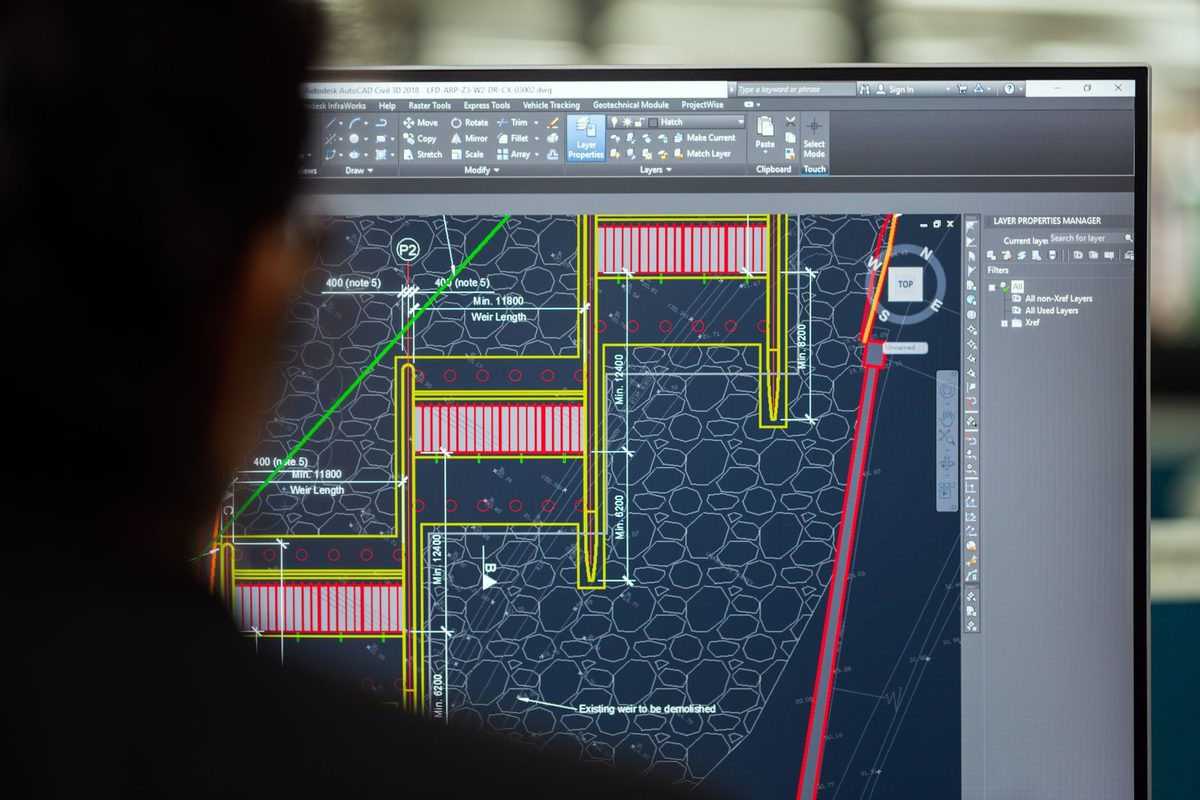
For people who would rather write code
OpenSCAD takes a different approach entirely: you describe the model in a script and it renders the solid. There is no mouse-driven drawing.
For anyone with programming instincts this is liberating. Models become parametric by nature, version control works properly because the source is text, and generating a hundred variants is a loop rather than a hundred afternoons.
Where it stops: it suits mechanical and geometric objects, not organic shapes, and if you do not want to write code it is the wrong tool entirely.
SolveSpace sits between the two worlds — a small, fast parametric modeller with constraint solving, much lighter than FreeCAD and correspondingly narrower.
The ones people suggest that are not what you want
Blender comes up constantly in these discussions. It is superb, free, and the wrong tool: it is a polygon modeller built for animation and visual effects, not a precision CAD program. You can force dimensional work out of it, and you will fight it the whole way. Use it for visualisation of a model built elsewhere.
KiCad appears in searches because it is CAD-adjacent, but it is for electronic circuit boards specifically. Excellent at that, irrelevant to mechanical drafting.
Neither is a criticism of the software. They are answers to different questions.
Quick comparison
| What you do | Free option | Reads DWG | Main trade-off |
|---|---|---|---|
| 2D technical drafting | LibreCAD, QCAD | Yes, with limits | 2D only; native format is DXF |
| Parametric 3D parts | FreeCAD | Yes, with limits | Steep learning curve |
| Scripted / generated models | OpenSCAD | No | You write code, not drawings |
| Lightweight constraint modelling | SolveSpace | Limited | Narrower feature set |
| Visualisation and rendering | Blender | No | Not a precision CAD tool |
The route most people miss
If you are a student, an educator, or at an eligible institution, Autodesk runs an education programme that grants access to the full software at no cost. Terms and eligibility change, so check the current conditions directly — but it is legitimate, it is the actual product, and it removes the compatibility question entirely.
It is worth ruling in or out before investing weeks learning a different program.
How to decide
Do your files go back to AutoCAD users? If yes, test a real project file through your chosen tool and back before committing to anything.
Do you work in 2D only? LibreCAD or QCAD. Your existing habits transfer.
Do you model parts in 3D? FreeCAD, and budget a fortnight to stop fighting it.
Do you think in code? OpenSCAD, and you will probably never go back.
Are you a student? Check the education programme first.
For most independent users — the ones producing drawings for themselves, for fabrication, or as PDFs for a client — the free tools are genuinely sufficient, and the subscription is something to cancel rather than replace.
For more in this series, see our other software & tools guides.
Frequently asked questions
Can free CAD software open DWG files?
Most can open them, but opening is not the same as round-tripping. DWG is a proprietary Autodesk format, so free programs read it through reverse-engineered libraries that handle geometry well and struggle with the extras — custom line types, complex dimension styles, proxy objects from AutoCAD verticals, and some annotation. If you only receive drawings and produce PDFs, this rarely bites. If files go back and forth with AutoCAD users, expect friction.
Is FreeCAD good enough for professional work?
For parametric 3D modelling, mechanical parts and 3D-printed design, many people use it professionally. It is genuinely powerful and its parametric history is its strongest feature. The honest caveats are a learning curve steeper than commercial equivalents, a workbench-based interface that confuses newcomers, and a history of occasional instability on complex models. Save often, which is good advice in any CAD program.
What do architects use instead of AutoCAD?
Architecture has largely moved from 2D drafting to building information modelling, which is a different paradigm rather than a cheaper version of the same one. Free options in that space are limited, and FreeCAD's architectural workbench is capable but not a like-for-like replacement for commercial BIM tools. For pure 2D architectural drafting, LibreCAD and QCAD both work.
Is there a free version of AutoCAD?
Autodesk offers a free trial, and students, educators and eligible institutions can access the full software at no cost through its education programme — that route is legitimate and worth checking before looking elsewhere. There is no permanently free commercial version. Sites offering cracked full downloads are distributing modified software you cannot inspect.
Which free CAD program is easiest to learn?
If you already know AutoCAD, LibreCAD, because the command-line workflow and 2D concepts carry over almost directly. If you are starting from nothing and want 3D, OpenSCAD suits people who think in code, since you describe the model in a script rather than drawing it. FreeCAD is the most capable and the least immediately intuitive of the three.


