The Best Free Alternatives to Dropbox
Before comparing storage limits, settle one thing: whether you want your files in two places at once, or recoverable after you delete them. Those need different tools.
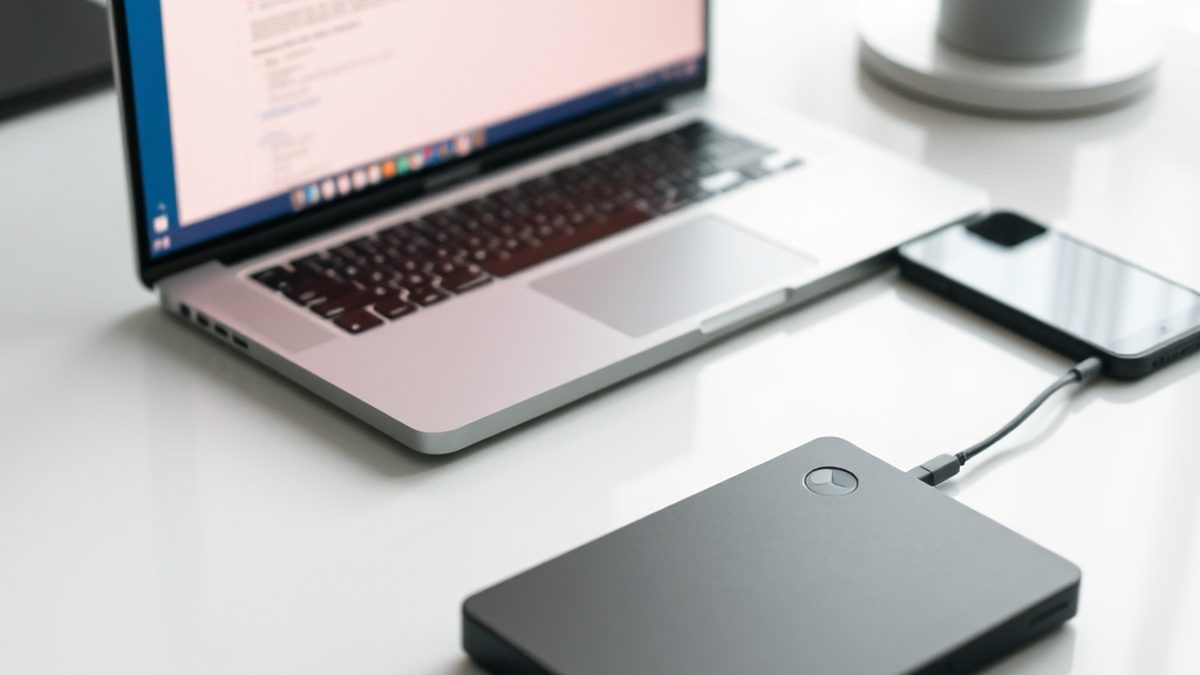
Illustration generated by Nexulab
- Sync and backup are different jobs. A synced deletion propagates everywhere, so sync alone will not save you from a mistake.
- Syncthing keeps folders identical across your own devices with no cloud in between and no storage limit.
- Nextcloud is a full self-hosted suite — files, calendar, contacts, sharing — if you have somewhere to run it.
- For genuine backup, keep versioned copies somewhere the live system cannot reach.
- Free tiers of hosted services are marketing. Read what happens to your files if you stop paying.
Before comparing storage limits, there is one distinction that decides which of these tools you actually want. Get it wrong and you will eventually lose something.
Sync keeps files identical in several places. Change a file on the laptop, it changes on the phone.
Backup keeps historical copies you can recover from. The file as it was last Tuesday, before you overwrote it.
Those are not the same job, and sync does not do backup. A synced deletion propagates. Delete a file by accident and the deletion arrives on every device within seconds. Most people who have lost data to a cloud service lost it precisely this way, and a recycle bin that empties after thirty days is not a backup.
So decide which problem you have. Often it is both, and then you need two tools.
Syncthing: sync with nothing in the middle
Syncthing keeps folders identical across your own devices, and there is no cloud service involved. Your machines talk to each other directly, encrypted, and no company holds a copy.
That produces two properties nothing hosted can match. No storage limit — your ceiling is the disks you own. And no third party, which for confidential work is the whole argument.
It is open source, runs on Windows, macOS, Linux and Android, and once configured it simply works in the background.
Where it stops:
No web access. There is no site to log into from someone else’s computer and grab a file. If that is central to how you work, this is the wrong tool.
Devices need to overlap. Two machines that are never on at the same time will not sync, unless one of them is always-on.
Setup is more involved than installing an app and signing in. You pair devices and choose folders.
And it is sync, not backup. It has file versioning available, which helps, but the mental model is still “same files everywhere”.
Nextcloud: your own cloud, with the responsibility
Nextcloud is the full replacement — file sync and sharing, plus calendar, contacts, notes, and a large app ecosystem — running on infrastructure you control.
You get the web interface, the share links, the desktop clients and the mobile apps. Structurally it is the closest thing to running the service yourself.
Where it stops: you are now the administrator. Updates, backups, TLS certificates and security are yours. That is a genuine cost in attention, and a self-hosted service that never gets patched is worse than a hosted one — this is the honest trade, not a detail.
It suits people who already run a server or are comfortable with a small VPS. If neither describes you, it is not a good first step.

Hosted free tiers, read properly
pCloud and similar services offer free tiers, and for non-critical files they are convenient.
Two things to check before you depend on one:
What happens when you stop paying or exceed the quota. Some services make files read-only. Some delete after a grace period. This information is in the terms and nobody reads it until it matters.
Whether the free tier is the product or the trial. A free tier designed to funnel you upward can change; one that is a genuine permanent offering usually says so.
Never let a free tier be the only copy of anything you would be upset to lose. That is not distrust of any particular company — it is that a single copy is a single point of failure regardless of who holds it.
Quick comparison
| What you need | Free option | Storage limit | Main trade-off |
|---|---|---|---|
| Files identical across your devices | Syncthing | Your own disks | No web access; devices must overlap |
| Full cloud suite you control | Nextcloud | Your server | You are the administrator |
| Convenient hosted free tier | pCloud and similar | Small | Read the terms before relying on it |
| Actual backup with history | External drive plus versioned copies | Your hardware | Requires discipline |
| Sharing a large file once | Any hosted service | — | Delete it afterwards |
Doing backup properly
Since sync will not do it, here is the part that actually protects you.
The widely used guideline is three copies, two kinds of storage, one somewhere else.
In practice, for most people:
- The working copy on your machine
- An external drive that is not permanently connected — this matters, because a drive that is always plugged in is reachable by the same accident or ransomware that hits the main disk
- An offsite copy, encrypted, either physically elsewhere or with a cloud provider
Versioning is the property that matters most. A backup that only holds the current state cannot recover a file you overwrote a week ago and only just noticed.
And test a restore. An untested backup is a belief, not a backup. Pull one file back from each copy once, and you will find the problem while it is still theoretical.
How to decide in a minute
Do you want the same files on all your devices? Syncthing, and enjoy having no quota.
Do you want a web interface and share links, and run a server? Nextcloud.
Do you want convenience and the files are not critical? A hosted free tier, with the terms read.
Do you want to not lose things? None of the above on their own. External drive, versioned, disconnected, plus an offsite copy.
Do you handle client data? Self-hosted, and the same reasoning that applies to PDF tools: if the document is sensitive, it should not travel to a third party at all.
The subscription most people pay is buying convenience, and convenience is worth something. What it is not buying is safety — and that is the part worth building yourself.
For more in this series, see our other software & tools guides.
Frequently asked questions
What is the difference between sync and backup?
Sync keeps the same files identical in several places, so a change in one appears everywhere. Backup keeps historical copies so you can recover something as it was. The distinction matters because sync faithfully propagates mistakes — delete a file, and the deletion syncs to every device within seconds. Most people who lose data to a sync service lost it exactly this way, and a recycle bin with a thirty-day limit is not the same as a backup.
Is Syncthing really free with no storage limit?
Yes. It is open source and there is no company storing your files, so there is nothing to charge for and no quota to impose. Your limit is the disk space on your own devices. What you give up is the convenience of a hosted service: there is no web interface to grab a file from someone else's computer, and devices generally need to be online at overlapping times to sync.
Can I self-host my own cloud storage?
Yes, and Nextcloud is the usual answer. It provides file sync and sharing plus calendar, contacts, notes and more, through a web interface and desktop and mobile clients. It runs on a home server, a spare machine or a rented VPS. The honest cost is not money but responsibility — updates, backups and security become yours, and a self-hosted service you never patch is worse than a hosted one.
What is the safest free way to back up important files?
The widely used guideline is three copies of anything you care about, on two different kinds of storage, with one of them somewhere else physically. In practice that can be your working copy, an external drive that is not permanently connected, and an encrypted copy offsite or in cloud storage. The key property is that a mistake, a failure or ransomware on the live machine cannot reach all three.
Are free cloud storage tiers worth using?
For non-critical files, they are convenient and fine. The thing to check before relying on one is what happens when you stop paying or exceed the limit — some services make files read-only, some delete after a grace period. Read that policy before it matters rather than after. And never treat a free tier as your only copy of anything you would be upset to lose.


