The Best Free Alternatives to Trello
Trello is a kanban board that rewards simplicity. As its free tier has tightened and the board is no longer the whole story, the free alternatives now fall into two camps: tools that replicate the kanban experience without the limits, and broader platforms where boards are one view among many. The right choice depends on which camp you belong to.
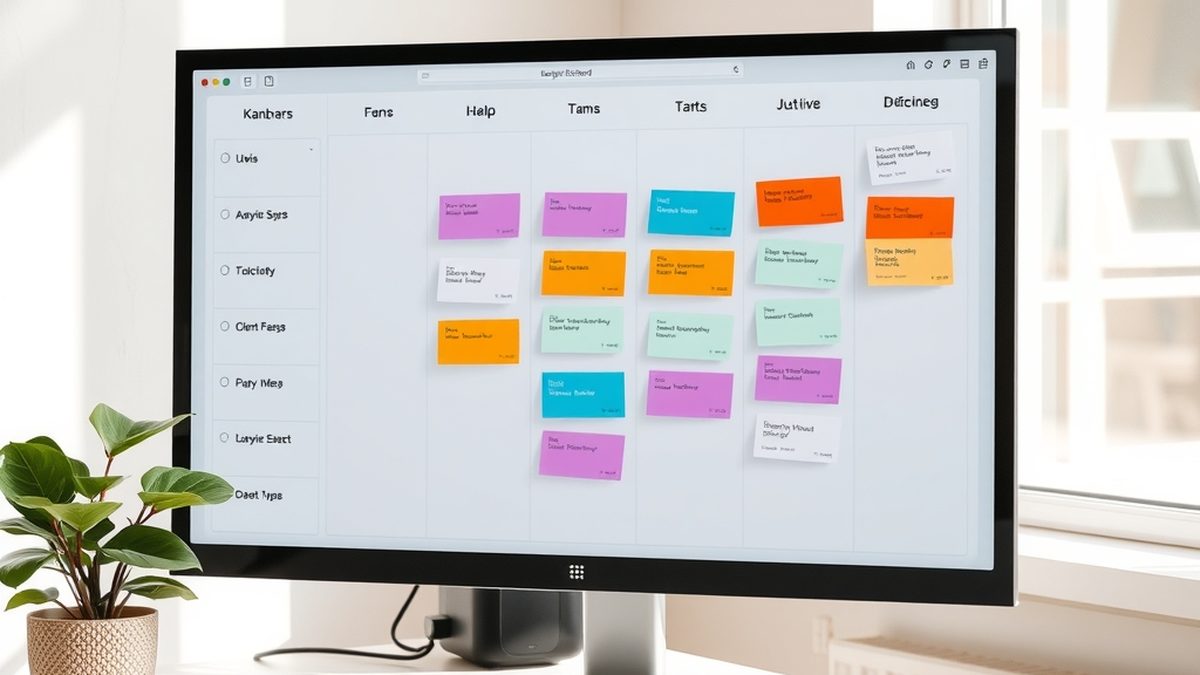
Illustration generated by Nexulab. Inline photo by cottonbro studio via Pexels
- If you want a Trello-like kanban board that you run yourself with no user limits and no storage caps, Planka is the closest open-source match.
- If you need kanban plus Scrum, Taiga handles both without pushing you into a paid tier after a handful of boards.
- If you already live in a broader workspace like Notion or ClickUp, their built-in boards are good enough that a separate Trello tab stops making sense.
- Wekan and Kanboard are self-hosted kanban tools that barely need resources and disappear into the background once set up.
- No migration tool moves a Trello board with its history and attachments cleanly to a free alternative. Manual export is the reality, and it is worth acknowledging that before you invest the time.
Trello won because it was simple. A board, some lists, some cards. You dragged a task from left to right and everyone on the team could see it move. For years that was enough.
Then the free tier started shrinking: fewer boards, power-ups locked behind a paywall, limits that nudged you toward a subscription. The people looking for free alternatives now fall into two groups: those who want Trello without the limits, and those who have outgrown a standalone kanban tool and want a board inside something larger. The right alternative depends on which group you are in.
Self-hosted Trello clones: Planka, Wekan and Kanboard
If you want the Trello experience — boards, lists, cards, labels, checklists, due dates — without user caps, storage limits or a company that can change the rules tomorrow, self-hosting is the answer. Three open-source projects do this well.
Planka is the closest visual match to Trello among the open-source options. It has boards with lists of cards, a drag-and-drop interface, labels, due dates, checklists and file attachments. It looks like Trello because that is what it set out to be: a self-hosted kanban board that does not try to be anything else. It runs on a single machine with Docker, and once it is up, you can create as many boards and invite as many people as your hardware can handle.
Wekan is older and slightly rougher around the edges, but it has been around long enough to be stable and well-documented. The interface is functional rather than polished, and it covers the same ground: boards, lists, cards, labels, checklists and swimlanes. The advantage over Planka is maturity: Wekan has been a Trello alternative for years and the community around it is larger, which means more people have already solved whatever problem you are about to hit.
Kanboard takes a different approach. It is minimal to the point of being spartan: the interface is plain HTML with almost no JavaScript, and it loads fast because there is almost nothing to load. It does kanban and not much else, and it does it with very low resource requirements. If you need a task board on a Raspberry Pi or a tiny VPS, Kanboard is the one that will run happily there. The trade-off is that it looks and feels like a tool from a decade ago, and you have to be comfortable with that.
All three are open source and free with no user limits. The cost is the setup and the maintenance — you need somewhere to run them and the willingness to keep them updated.
For kanban plus Scrum: Taiga
Taiga is the strongest open-source option for teams that mix kanban with Scrum. It handles both in a single workspace: you can run a sprint with user stories, epics and a burndown chart, and switch to a kanban board for maintenance tasks without leaving the tool.
The free tier of the hosted version at tree.taiga.io is generous — enough for a small team to run real projects — and the self-hosted version lifts all limits. The interface is clean and modern, closer to Jira than to Trello, which makes sense because Taiga competes with both.
The trade-off is that Taiga is heavier than a pure kanban tool. If all you need is a board with cards, Kanboard or Planka will feel lighter and faster. But if your team already does sprints or plans to, Taiga is the free open-source tool that does both without pushing you toward a paid tier.
For all-in-one workspaces: Notion and ClickUp
If you already use Notion for notes, documents and databases, adding its kanban board view to your existing workspace often removes the need for Trello entirely. Notion databases can display as a board, a table, a calendar or a timeline, and the data is the same underneath — a task you see on a kanban card is the same row you see in a table. For a team already inside Notion, this is more powerful than a separate tool, because the board lives alongside the notes, the meeting minutes and the project documentation.
The trade-off is that Notion’s free tier has its own limits — guests count, file uploads cap — and if you hit those, you are trading one set of caps for another. We covered the free alternatives to Notion in detail here, and the same logic applies: the best alternative depends on which features you actually use.
ClickUp competes by giving the free tier more than most commercial tools offer at any price. Its kanban view is one of more than a dozen ways to see the same tasks, and the free tier includes unlimited tasks, unlimited members and a generous file storage allowance. The cost is complexity: ClickUp does so much that the interface can feel overwhelming, and setting it up to feel like Trello takes more clicks than using Trello did.
The honest question for both is whether you want a kanban board with everything else bolted on. If you do, Notion or ClickUp replaces Trello and consolidates your stack. If you do not, they are heavier than the job needs.
The comparison: which free tool fits which job
| Tool | Hosting | Kanban | Scrum | UI polish | Best for |
|---|---|---|---|---|---|
| Planka | Self-hosted | Yes | No | High | Closest open-source Trello clone |
| Wekan | Self-hosted | Yes | No | Medium | Long-running, well-documented alternative |
| Kanboard | Self-hosted | Yes | No | Low | Minimal resources, fast and simple |
| Taiga | Hosted or self-hosted | Yes | Yes | High | Teams mixing kanban and sprints |
| Notion | Hosted (cloud) | Yes | No | High | Teams already using Notion for notes |
| ClickUp | Hosted (cloud) | Yes | Some | High | Feature-hungry teams wanting a power tool |
The honest bottom line
The best free alternative to Trello is the one that matches how your team works. If you want the Trello kanban experience without the limits and you are willing to run your own server, Planka is the closest open-source match and the one that will feel most familiar within the first five minutes.
If you want a board inside a bigger workspace that already handles your notes and documents, the conversation is broader. The free alternatives to Notion and the tools that surround them often overlap with Trello enough that the separate board stops being necessary.
The one thing no free tool does is import a Trello board cleanly with its history, attachments and checklists intact. The export exists, but the import does not. That is an honest limitation, and if your Trello boards hold months of project history, rebuilding them in a new tool is the cost of leaving. For most teams, it is worth it once — the lock-in is the data, not the tool, and that is a one-time price.
Frequently asked questions
What is the best free alternative to Trello?
It splits by what you value most. If you want the closest open-source Trello clone, Planka gives you boards, lists and cards with labels, checklists and due dates, and you install it once and forget about user limits. If you want a hosted free tool that adds features rather than subtracting them, ClickUp's free tier is the most generous among the commercial alternatives. And if you work in a team that mixes kanban with sprints, Taiga is the strongest open-source option for that combination.
Can I move my Trello boards to a free alternative?
Not cleanly. Trello lets you export a board as JSON, but that export is a data dump that no free tool imports automatically — the cards and lists come across but the history, attachments and checklists break. The practical path is to export for reference, rebuild the board structure in the new tool, and keep Trello open in a tab while you work through the current cards. It is not elegant, but it works, and it is better than paying for a board you rarely touch.
Which free Trello alternative works without creating an account?
A self-hosted one. Planka, Wekan and Kanboard all run on your own server or a spare machine, and once installed you control the accounts entirely — no registration with a third party, no email verification, no company that can change its terms. The trade-off is the setup: you need somewhere to run it and the willingness to maintain it. For a hosted free tool, there is no getting around creating an account, because the free tier is how they introduce you to the paid one.
Why would I leave Trello if the free tier still works?
Most people leave for one of two reasons. The first is limits: Trello's free tier now caps the number of boards and the features available, and a team that starts with one board tends to grow past the cap. The second is friction: if you already use a tool like Notion or ClickUp for notes and documents, adding Trello on top means maintaining a separate tool for the one job those tools already handle. It is not that Trello stopped working; it is that the ecosystem caught up.
Are self-hosted Trello alternatives safe?
They are as safe as the machine they run on. An open-source tool like Planka or Kanboard stores your data on your own server, which means no third party can access it. But it also means the responsibility for updates, backups and security sits with you. A self-hosted kanban board that never gets patched is less safe than Trello's hosted service. If you are comfortable maintaining a small web application, the security trade-off favours you. If you are not, a hosted free tier is the practical choice.


